
CRM → demand
Pass account, opportunity, probability and required dates into planning.
INTEGRATIONS & API
Bring demand, people, delivery and financial context together—so each team can act on the same business story.
Integration availability, methods and scope are confirmed against your systems and requirements.
 ClousysShared operating context
 Salesforce
 Microsoft 365
 Google Workspace
 Collaboration
 Finance
 APIs & data
Your ecosystem, connected around the way your business works.
01 / START WITH THE BUSINESS
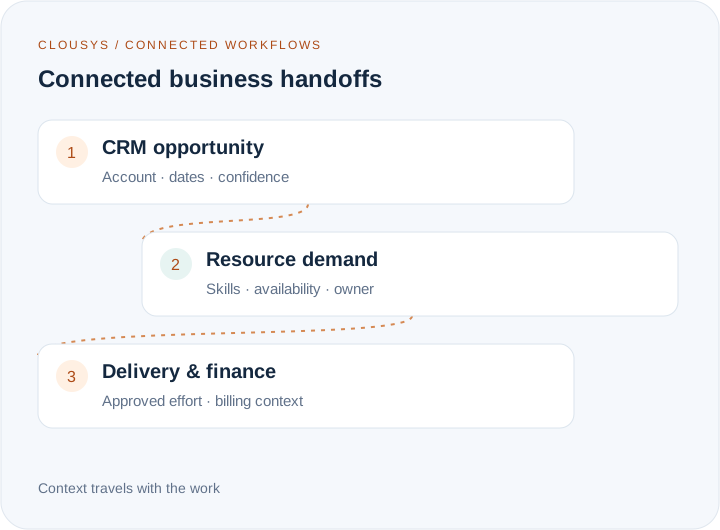
An opportunity becomes resource demand. A confirmed allocation changes delivery capacity. Approved effort becomes billing evidence. Start with one business handoff and agree what the next team needs to act.
Pass account, opportunity, probability and required dates into planning.
Keep employee identity, skills, leave and allocation context consistent.
Carry approved effort, contract references and billing status into the financial handoff.
02 / API & DATA DESIGN
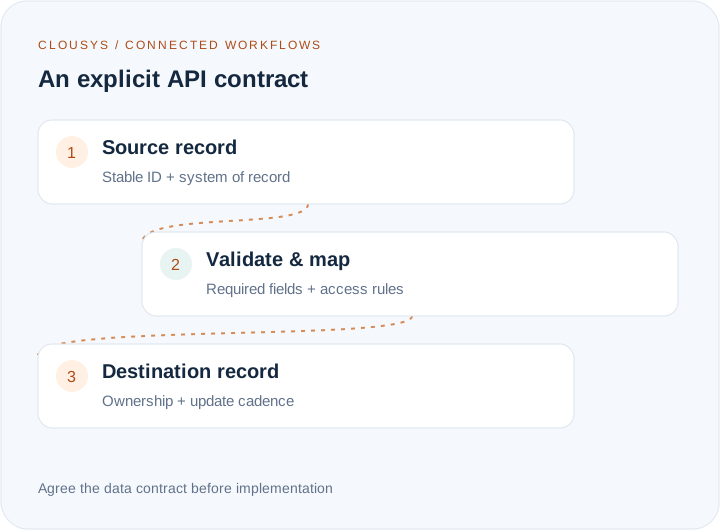
A reliable connection depends on shared definitions. Agree the records, field mappings and ownership first; then confirm the API methods and authentication supported by the systems in scope.
Define stable IDs, required fields, relationships and the system of record.
Agree which system can create or update a record and whether the handoff is event-driven or scheduled.
Document permissions, validation rules, data minimisation and how invalid records are handled.
LET’S MAP YOUR CONNECTIONS
Bring your current tools and the handoff you want to improve. We’ll use the demo to explore the workflow, data requirements and next steps with you.
03 / OPERATIONAL CONTROL
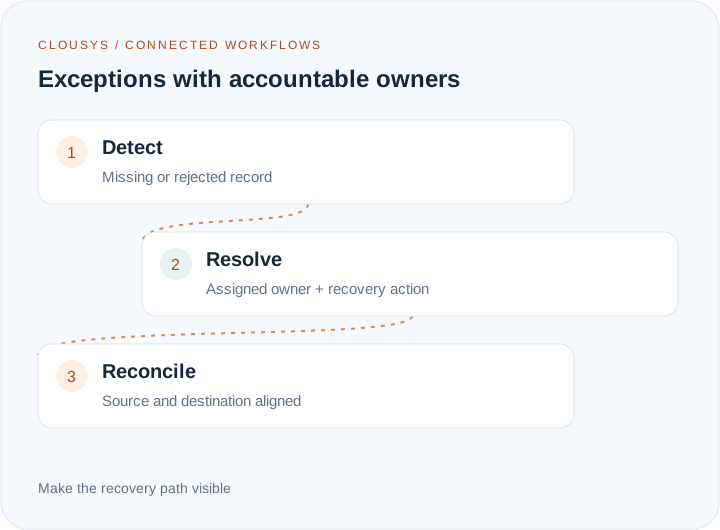
Design the exception path alongside the successful path. A failed handoff should have a visible owner, enough context to investigate and a clear recovery procedure.
Agree the signals that identify missed, rejected or delayed records.
Define who investigates, how retries work and when an exception is escalated.
Compare source and destination records so missing or duplicate data can be found.
04 / DELIVERY APPROACH
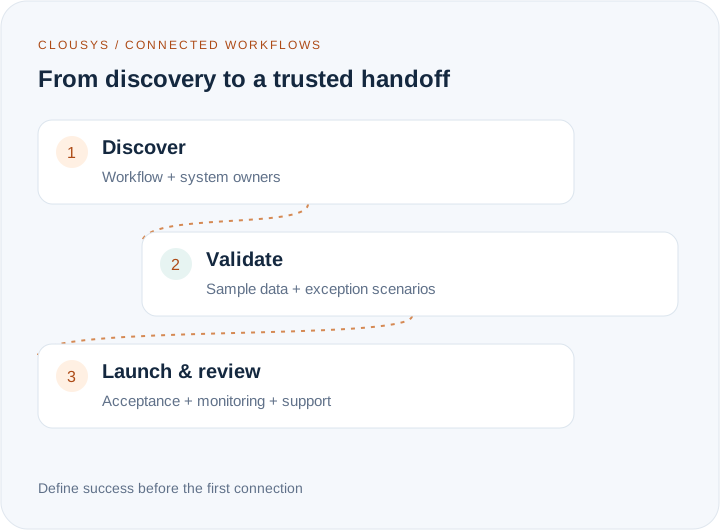
Build an integration around a measurable business outcome, not a list of logos. Confirm technical feasibility and commercial scope before implementation.
Identify systems, owners, volumes and the decisions the connection supports.
Review sample records, access, mappings and exception scenarios together.
Check the end-to-end handoff and agree monitoring, ownership and support.
EXPLORE BY MODULE
Explore relevant systems and data handoffs across Clousys. These are integration use cases across all Clousys modules. Named systems are examples to assess, not a claim that every connector is prebuilt. Supported methods, access and implementation scope are confirmed during discovery.
10 module workflows
 Recruitment & joining
Move from an approved requirement to a candidate ready to join.
Employee lifecycleKeep employee changes consistent across the systems that support your people.
Demand & capacityBring likely work, skills and available capacity into the same staffing decision.
Project executionConnect project commitments, delivery progress and commercial context.
Time & availabilityCarry approved time and absence context into capacity and billing reviews.
Revenue visibilityExplain the forecast using delivery evidence and visible billing exceptions.
Financial handoffsConnect approved delivery evidence with invoice preparation and reconciliation.
External talentKeep external submissions linked to the demand they serve.
 Connected reporting
Align leadership reporting around consistent definitions and source records.
Cross-system workflowsScope a controlled workflow with clear permissions and human review points.
No matching workflows. Try a different keyword or choose All modules.
Clousys supports an open integration approach across all ten modules. Bring any platform you use: we’ll assess its APIs, webhooks, middleware or supported file exchange and agree a workable connection. Availability depends on the external system’s access, permissions and technical capabilities.
No. The ecosystem illustrates integration categories. Connector availability, API access, configuration and any implementation work need to be confirmed for your environment.
The starting point is your existing operating model. Identify which systems own each record, then scope the connections needed to improve specific handoffs.
A list of your systems, the workflow you want to improve, the records involved and any security or timing requirements. Sample field lists help make the discussion concrete.

Translate likely opportunities into dated skill requirements without treating every possible deal as a confirmed assignment.
Read article →
Review scope changes, excess effort, staffing mix, rate exceptions, idle capacity, late records and billing delays together.
Read article →
Give leaders a traceable view of capacity, delivery and financial risk, with clear distinctions between facts and estimates.
Read article →
Evaluate a resource recommendation against experience, delivery context and the constraints a skills score cannot explain.
Read article →