Employee service requests
Route HR queries, payroll questions and document requests to the right owner. Keep conversations, attachments, priorities and resolution status together.
CLOUSYS · CONNECTED PROFESSIONAL SERVICES
Connect employee information and workforce planning to the needs of a services business.
THE DECISION THIS SUPPORTS
An employee changes role, develops a new skill or moves between teams. Update the shared record, coordinate approvals and assets, and keep the change visible to the people planning deployment.
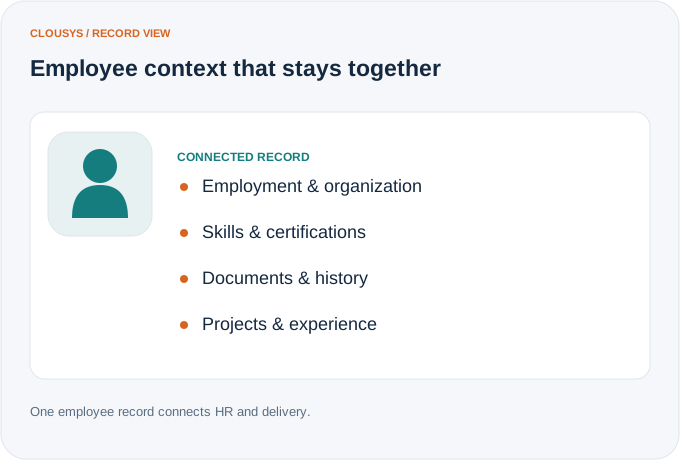
When people move between teams and projects, their history should move with them. Employee 360 brings employment, skills and organizational context together for HR and managers.
Illustrative workflow · capability relationships
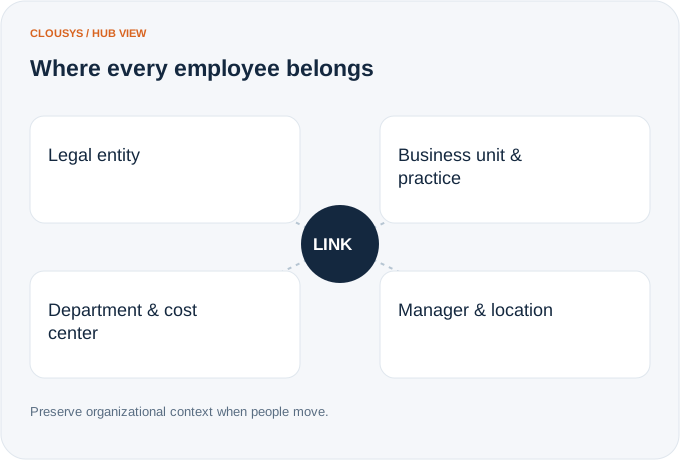
A reporting change can affect approvals, costs and resource decisions. Maintain the entities, practices and reporting structure that give an employee record its operating context.
Illustrative workflow · capability relationships
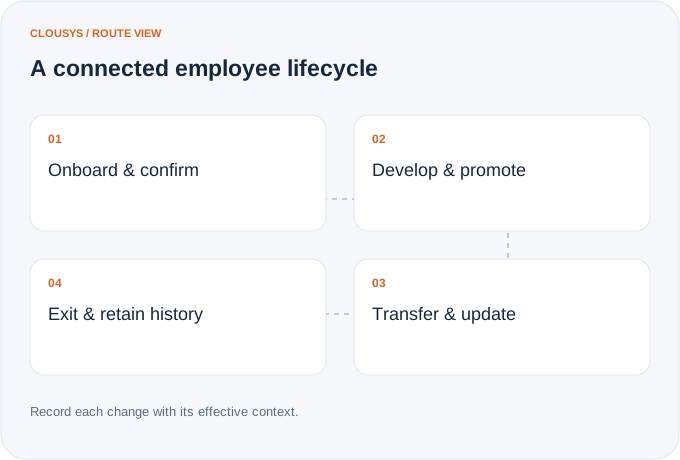
Onboarding is the first of many transitions. Keep promotions, transfers and exits connected to the employee record so responsibilities and history remain clear across the full lifecycle.
Illustrative workflow · capability relationships
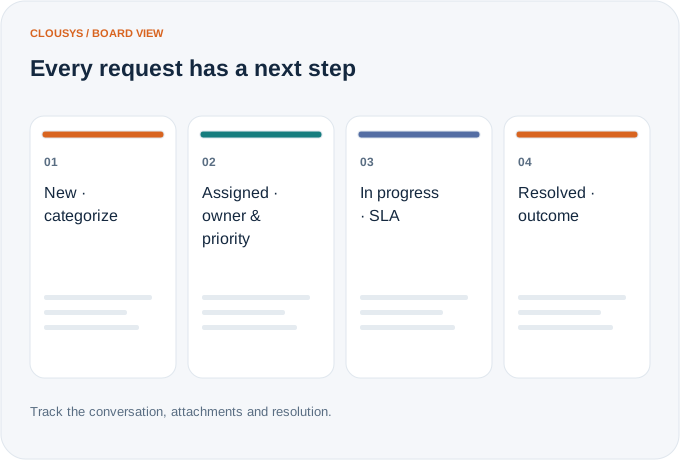
A question should not disappear into an inbox. Categorize the request, assign it to the right queue and keep the conversation and resolution visible to the employee and the team responding.
Illustrative workflow · capability relationships
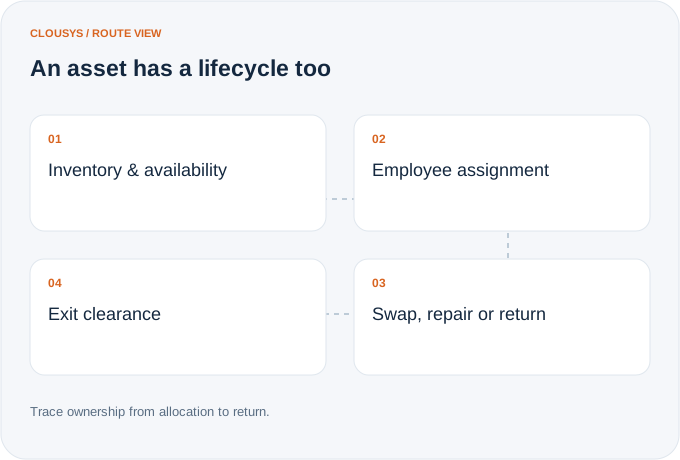
Know which equipment is available, who holds it and what has changed during its use. Connect returns and exceptions to employee exit clearance rather than reconstructing the asset trail at the end.
Illustrative workflow · capability relationships
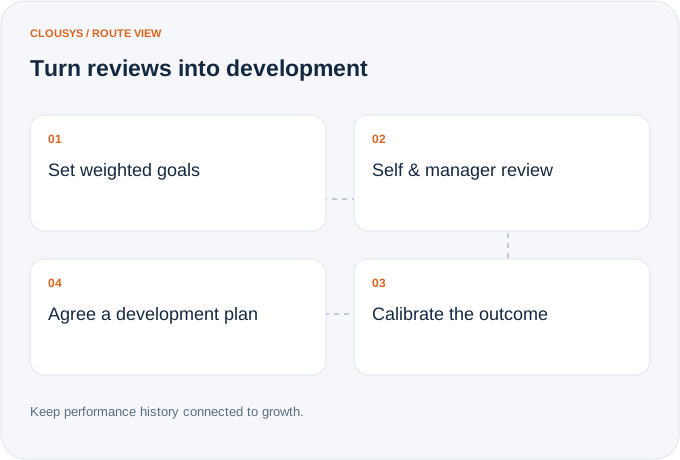
Make goals and review evidence available throughout the cycle. Bring self-assessment, manager input and calibration together, then carry the outcome into development and promotion discussions.
Illustrative workflow · capability relationships
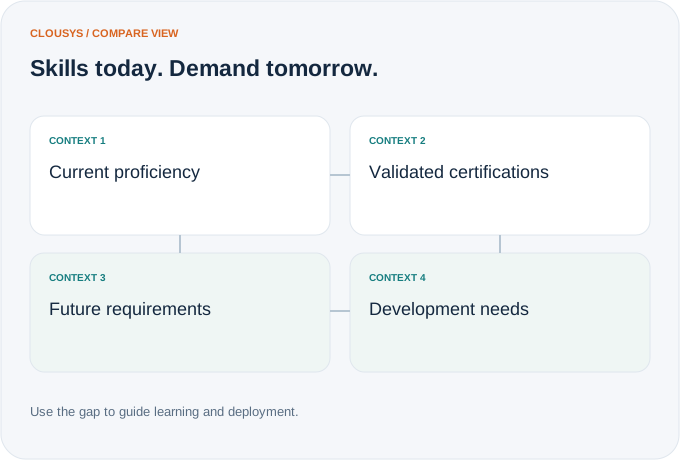
A skill label alone does not show deployment readiness. Add proficiency, validation and experience, then compare the workforce with future demand to focus learning and development discussions.
Illustrative workflow · capability relationships
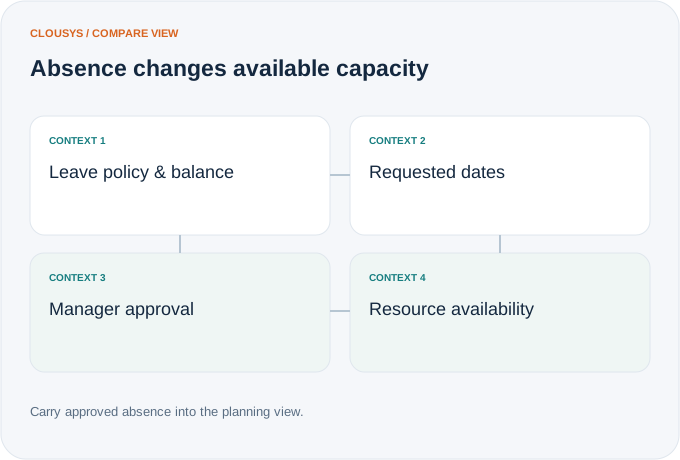
Leave and attendance affect more than an HR balance. Connect requests, policies and approvals with resource availability so managers plan around the time people can actually contribute.
Illustrative workflow · capability relationships
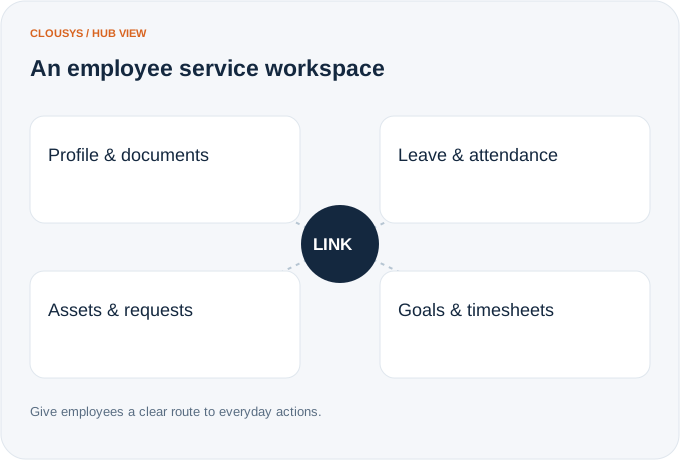
Bring routine updates and requests into a consistent self-service experience. Employees can find their records and managers can follow the same context when a decision or approval is needed.
Illustrative workflow · capability relationships

Translate likely opportunities into dated skill requirements without treating every possible deal as a confirmed assignment.
Read article →
Review scope changes, excess effort, staffing mix, rate exceptions, idle capacity, late records and billing delays together.
Read article →
Give leaders a traceable view of capacity, delivery and financial risk, with clear distinctions between facts and estimates.
Read article →
Evaluate a resource recommendation against experience, delivery context and the constraints a skills score cannot explain.
Read article →