

Request a Demo

CLOUSYS · CONNECTED PROFESSIONAL SERVICES

Resource Management

Plan assignments with a connected view of skills, availability, commitments and delivery demand.
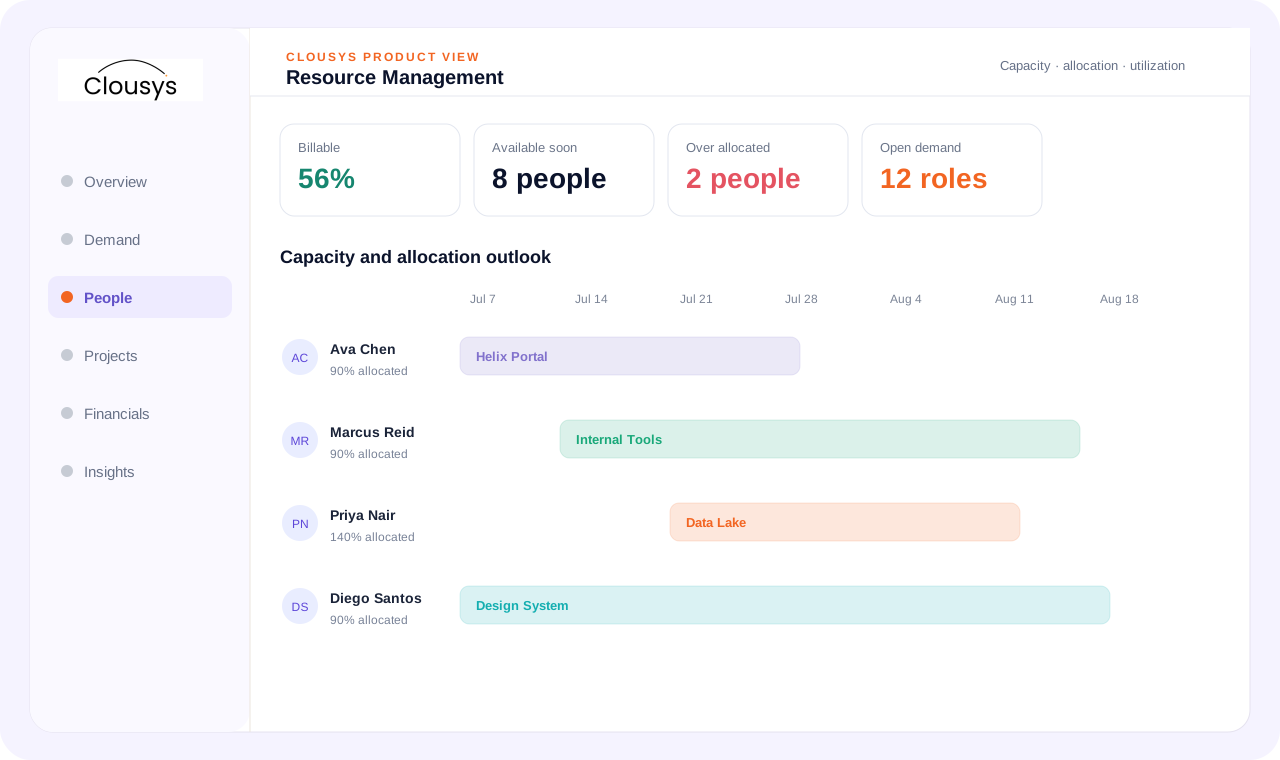
Resource Management interface illustration
Illustrative product view · sample data, not a performance claim

THE DECISION THIS SUPPORTS

Make the staffing decision before making the commitment.

An opportunity needs skills next month, but the best-fit person is still assigned elsewhere. Compare dated demand, confirmed allocations, planned leave and release dates before committing capacity.

01

Translate the opportunity into a resource requirement

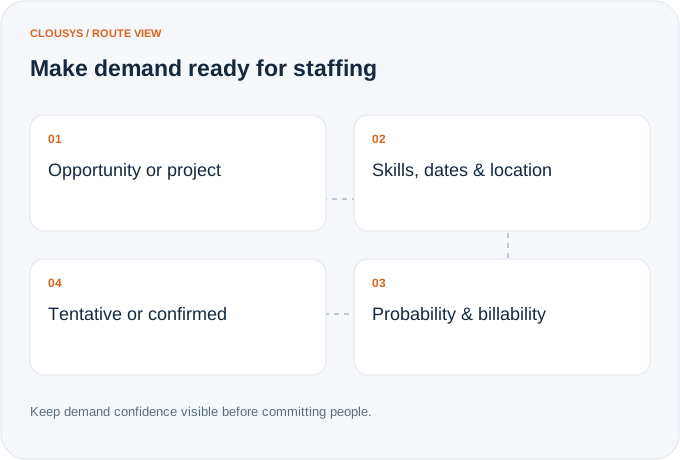
A deal or project creates a staffing decision before work starts. Capture the dates, skills, probability and commercial context so teams can distinguish forecast demand from confirmed commitments.
Explore the capabilities
  • Demand directly from CRM opportunity
  • Project resource demand
  • Internal resource request
  • Role
  • Skill
  • Experience
  • Location
  • Start/end dates
  • Billability
  • Allocation %
  • Priority
  • Probability
  • Demand pipeline
  • Tentative vs confirmed demand
Make demand ready for staffing: Opportunity or project; Skills, dates & location; Probability & billability; Tentative or confirmed

Illustrative workflow · capability relationships

02

See the capacity that will actually be available

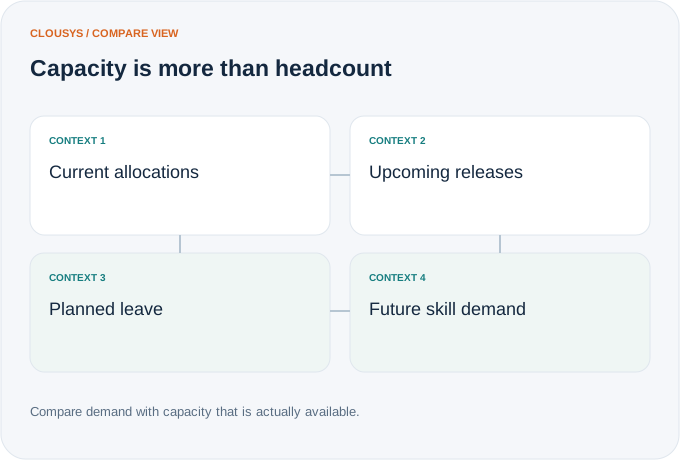
Today’s bench is only part of tomorrow’s supply. Bring upcoming releases, partial availability and planned leave into the capacity view before committing people to new work.
Explore the capabilities
  • Current capacity
  • Future capacity
  • Available resources
  • Partial availability
  • Bench
  • Upcoming releases
  • Planned leave
  • Future allocation
  • Demand vs capacity
  • Skill-wise capacity
  • Practice-wise capacity
  • Location-wise capacity
Capacity is more than headcount: Current allocations; Upcoming releases; Planned leave; Future skill demand

Illustrative workflow · capability relationships

03

Compare the fit, not just the skill label

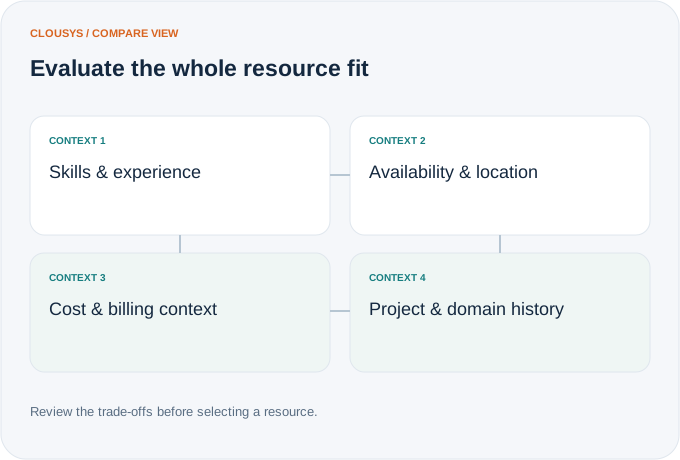
A suitable resource needs the right experience and availability as well as the skill. Compare delivery and commercial constraints, then decide whether internal capacity or an external option is the better fit.
Explore the capabilities
  • Skills
  • Experience
  • Availability
  • Location
  • Cost
  • Billing rate
  • Previous project experience
  • Domain experience
  • Suggested resources
  • Internal vs external options
Evaluate the whole resource fit: Skills & experience; Availability & location; Cost & billing context; Project & domain history

Illustrative workflow · capability relationships

SEE IT IN CONTEXT

Explore this workflow with your team’s priorities.

Book a focused walkthrough
04

Turn a staffing decision into a clear commitment

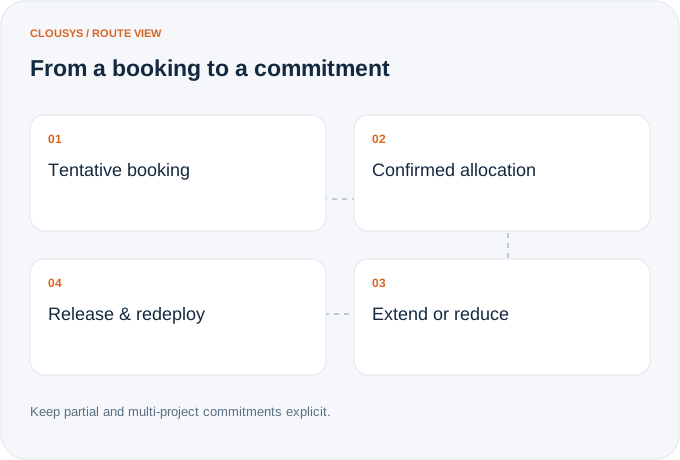
Keep tentative bookings distinct from confirmed allocations. As work changes, adjust percentages and dates so parallel projects, extensions and releases remain visible to everyone planning capacity.
Explore the capabilities
  • Project allocation
  • Partial allocation
  • Multi-project allocation
  • Shadow allocation
  • Tentative booking
  • Confirmed booking
  • Future booking
  • Allocation extension
  • Allocation reduction
  • Resource release
From a booking to a commitment: Tentative booking; Confirmed allocation; Extend or reduce; Release & redeploy

Illustrative workflow · capability relationships

05

Treat the bench as a redeployment decision

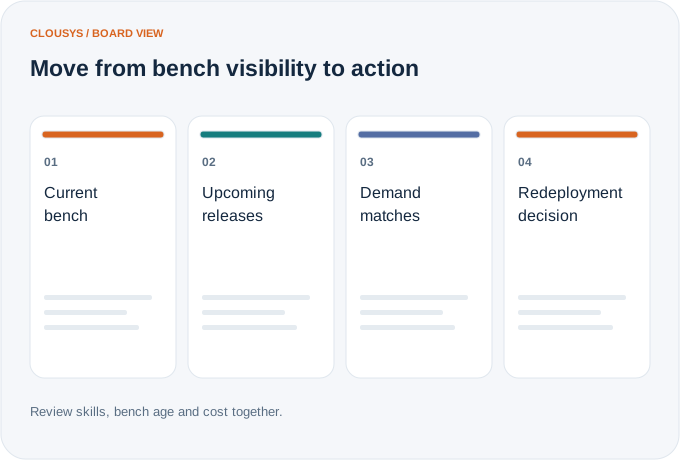
Look at who is available, how long they have been waiting and where their skills may be needed next. Connect bench cost and upcoming demand to a practical redeployment conversation.
Explore the capabilities
  • Current bench
  • Future bench
  • Bench aging
  • Skills on bench
  • Cost of bench
  • Suggested demand matches
  • Upcoming demand
  • Redeployment opportunities
Move from bench visibility to action: Current bench; Upcoming releases; Demand matches; Redeployment decision

Illustrative workflow · capability relationships

06

Separate a full schedule from productive, billable work

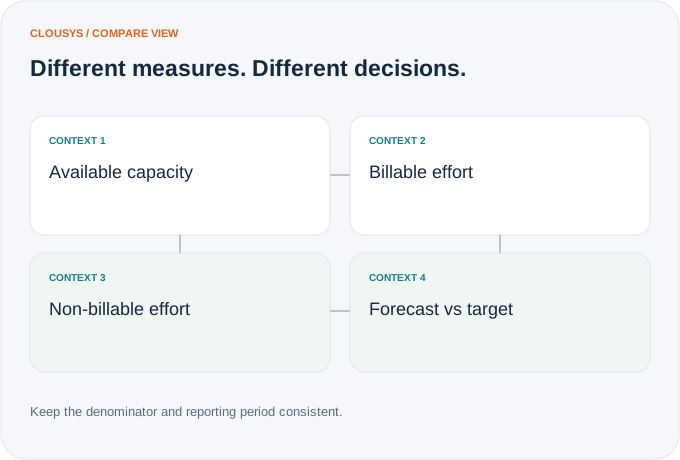
Compare target, actual and forecast utilization using consistent capacity definitions. Teams can then investigate underutilization by person, practice or location and understand what action may improve the result.
Explore the capabilities
  • Billable utilization
  • Non-billable utilization
  • Productive utilization
  • Available capacity
  • Target utilization
  • Actual utilization
  • Forecast utilization
  • Utilization by resource/team/practice/location
  • Underutilization alerts
Different measures. Different decisions.: Available capacity; Billable effort; Non-billable effort; Forecast vs target

Illustrative workflow · capability relationships

PRACTICAL QUESTIONS

Questions about resource management.

How is availability different from utilization?

Availability is the capacity remaining after commitments, leave and working patterns are considered. Utilization measures time used against a defined capacity base. A person can appear available in a plan while actual recorded time tells a different story.

What should a resource requirement contain?

Capture the skill, role, effort, start date and duration. Keep opportunity confidence separate from confirmed work so planners can explore demand without treating every possible engagement as a committed assignment.

How should we resolve over-allocation?

Review overlapping assignments against the working calendar. Discuss which commitment can move, which skill can be substituted and whether a release or hiring action is needed. Confirm the change with the project owners before updating the plan.

Discuss your requirements ↗
THE LATEST FROM CLOUSYS

Ideas for your next operating decision.

View all insights →