
Connected context
Start with the relationships between opportunity demand, skills, assignments, projects and financial outcomes. An isolated data point rarely explains a services decision.
AI Business Operations Software
More alerts do not necessarily produce better decisions.
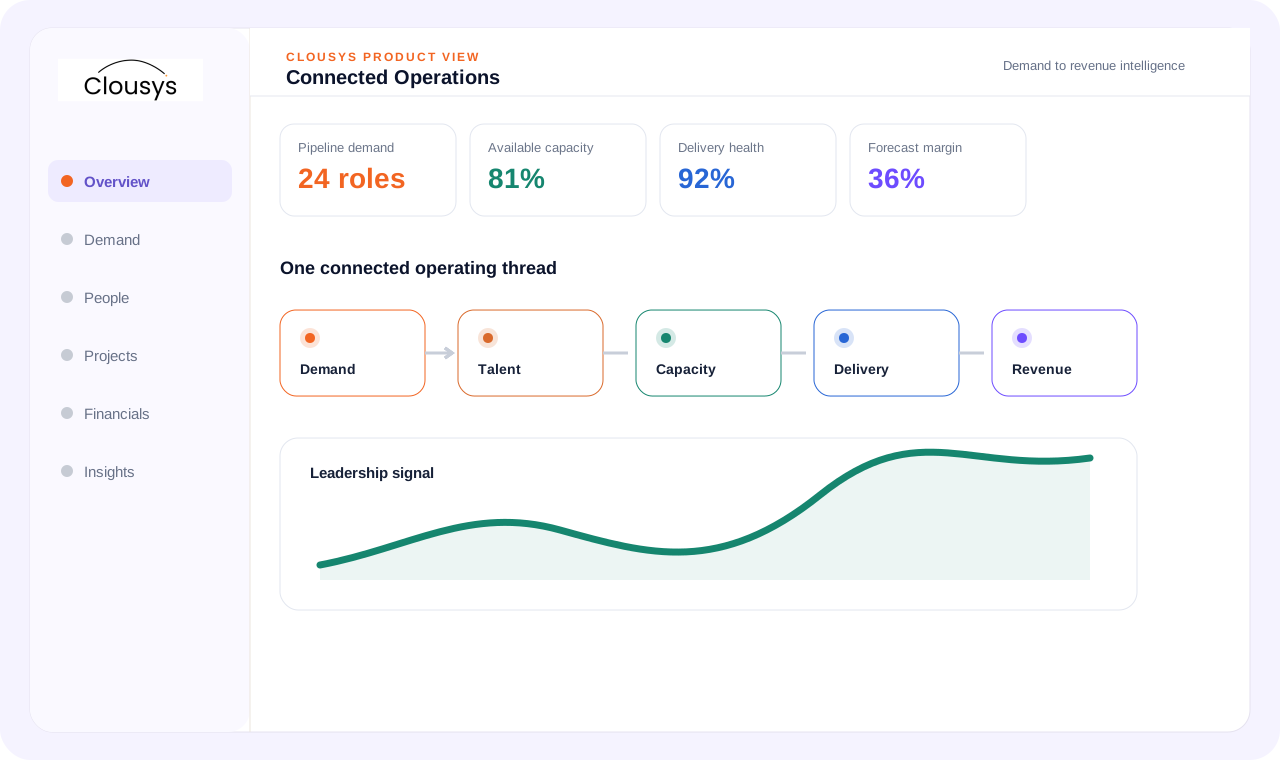
AI business operations software should help users understand context, review exceptions and identify next actions. Clousys positions AI assistance alongside operational records and human ownership, rather than treating a generated answer as an approved business action.
START WITH THE OPERATING QUESTION
More alerts do not necessarily produce better decisions. Useful assistance identifies the relevant evidence, makes assumptions visible and gives the next step an owner. Begin with a defined operating decision rather than adding AI to every screen.
FOLLOW THE WORK
WHAT THE WORKSPACE SUPPORTS
Start with the relationships between opportunity demand, skills, assignments, projects and financial outcomes. An isolated data point rarely explains a services decision.
Use operational signals to focus attention on potential delivery, capacity and revenue issues. Distinguish observed facts from forecasts and make uncertainty visible.
Compare staffing options using requirements, availability and relevant experience. Make the constraints behind a recommendation available to the manager.
Identify repeatable handoffs with clear prerequisites, approval rules and exception paths. Automate only after those rules are understood.
Keep the evidence and assumptions behind a forecast or recommendation available. Leaders should be able to distinguish a transaction-backed figure from an estimate.
Define which actions need review and which can follow an approved rule. Changes affecting staffing commitments, commercial terms or employee information deserve clear ownership.
A SITUATION YOUR TEAM MAY RECOGNIZE
A leader receives several capacity and revenue signals during a weekly review. Group them by business impact, inspect the evidence behind the material exception, and assign one practical action. Keep a record of the decision so the next review can assess progress.
Illustrative operating scenario, not a customer case study.
Illustrative workflow · confirm configuration during your demo
MAKE OWNERSHIP CLEAR
Bring the requirement and the decision that needs attention.
Review the practical constraints and their effect on the plan.
Confirm the evidence, ownership and next review point.
TAKE THESE QUESTIONS INTO YOUR DEMO
Use a real requirement from your business. Ask the team to follow it through the workflow and explain what happens when information is missing or a commitment changes.
START WITH A DEFINED SCOPE
Begin with the decision described above and the people who own it. Agree which records are required, where they come from and what each status means before extending the process across more teams.
During implementation planning, confirm permissions, approval responsibilities and integration requirements for your environment. The demo should help identify these questions; it does not replace that work.
QUESTIONS BEFORE YOU BEGIN
Start with your own operating question: Does the next recommendation explain what a team should review? Review the evidence and decision points in that workflow, then use the three demo questions above to test whether the approach fits your team.
Yes. Bring a specific requirement, exception or reporting question to the demo. Discuss the relevant Clousys modules, required records and implementation scope before deciding how widely to roll out the process.
GO DEEPER
Bring the question, the current process and the team responsible for the next decision.

Translate likely opportunities into dated skill requirements without treating every possible deal as a confirmed assignment.
Read article →
Review scope changes, excess effort, staffing mix, rate exceptions, idle capacity, late records and billing delays together.
Read article →
Give leaders a traceable view of capacity, delivery and financial risk, with clear distinctions between facts and estimates.
Read article →
Evaluate a resource recommendation against experience, delivery context and the constraints a skills score cannot explain.
Read article →